Shopify app · magnorus.com
Magnorus
Magnorus connects to a Shopify store and shows which products lose money. It is a profitability app, and it is built with Laravel.
- Laravel
- Shopify
- Profitability
What was hard
The hard part was splitting shared costs across every unit, without hiding a product that loses money.
Shared costs
Rent, salaries and ads are not stored on the product. They have to be spread across the units sold. If you skip that step, a product can look profitable when the week does not support it.
Older orders
Shopify’s usual permission stops at 60 days of orders. A weekly report needs older paid orders too, so the app asks for that access during install.
A report you can trust
Every figure is calculated in code from orders, product costs and the expenses the merchant adds. Customer data is not sent to an AI to write the numbers.
What we connected
Magnorus connects to Shopify for install, orders, products, inventory and billing.
Shopify install
The merchant starts in the Shopify App Store. They do not type a store address by hand, and they do not enter a card on the Magnorus website.
Store data
Orders, product costs and inventory come from the Shopify admin. The merchant adds salaries, rent, ads and other costs inside the app.
Billing
If they keep the app, Shopify sends the bill. The subscription can be cancelled from the Shopify admin.
What we built
A Laravel app that connects to Shopify and lists the products that lose money.
Profit dashboard
Revenue, product cost, fees, tax and business expenses, then the profit that is left. The screenshots use the example store so you can see the layout before connecting your own.
Product table
Shopify’s margin sits next to the margin after shared costs, so a product that only looks fine in Shopify is easy to spot.
Profit and loss
Pick a date range, compare it with another, and see alerts when too many products sit on a thin margin.
More of our work
-
 Jewellery shop
Bijouq
Bijouq sells fine jewellery online.
-
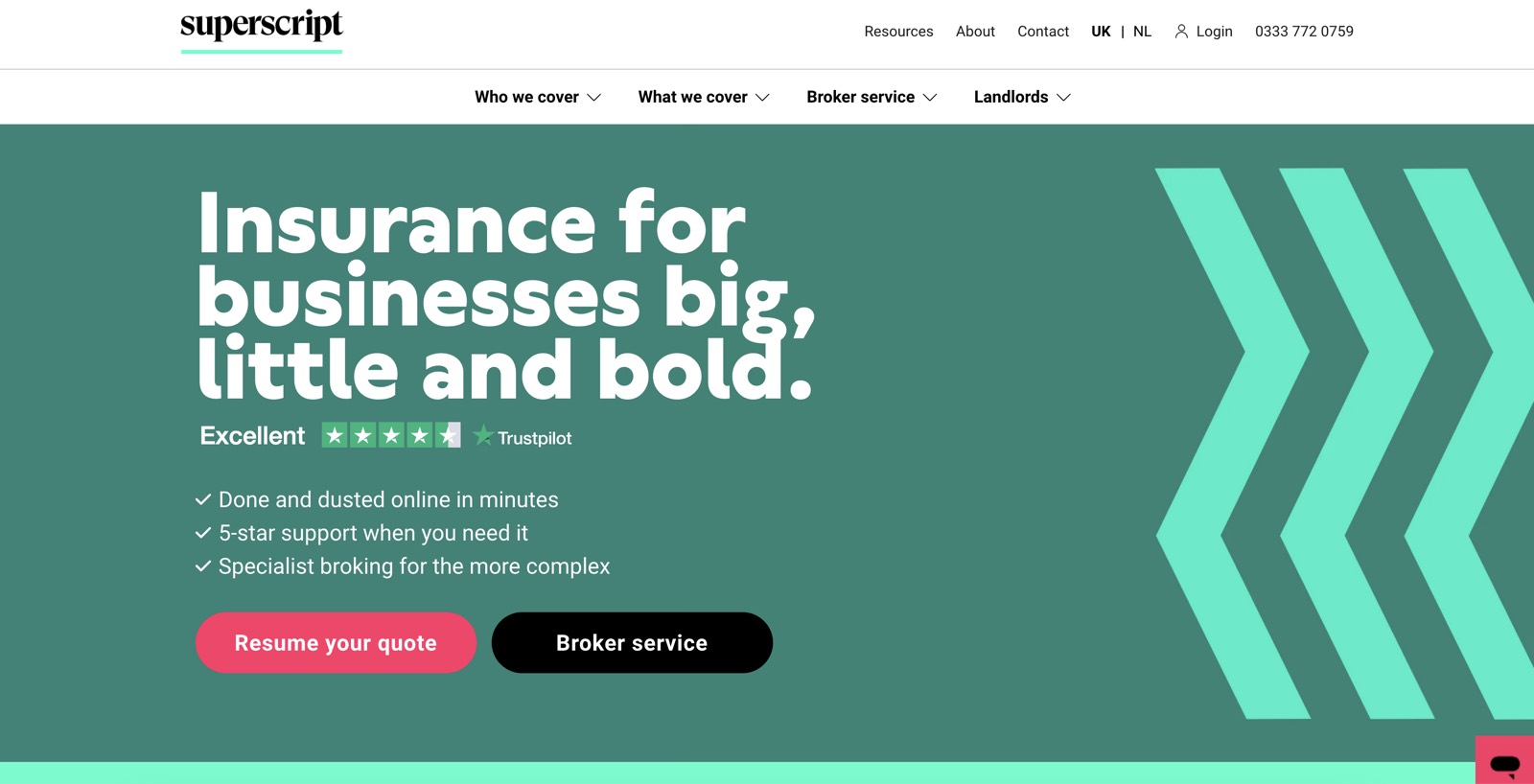 Business insurance
Superscript
Superscript sells business insurance online.
-
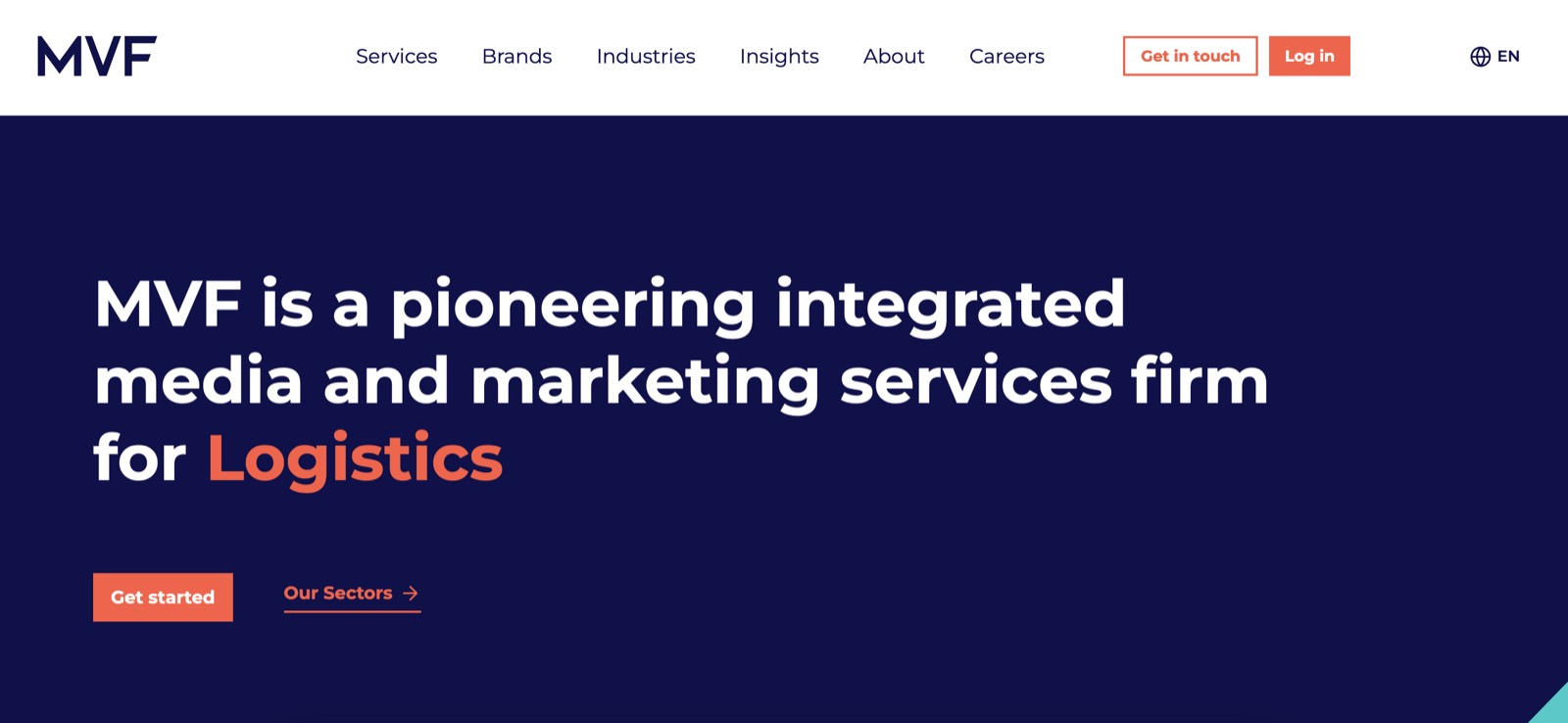 Marketing company
MVF
MVF is a London marketing company.
-
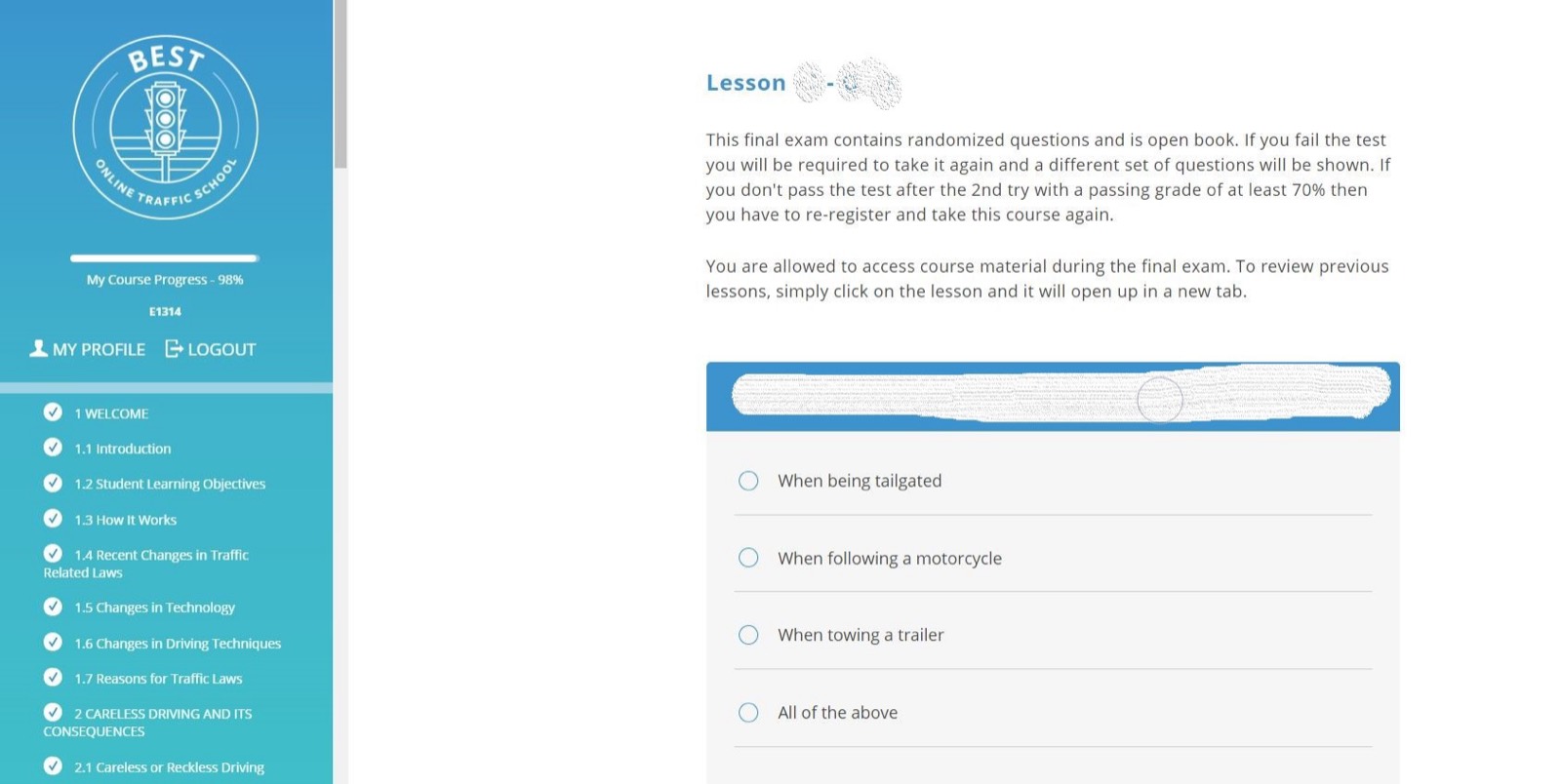 Online course
Best Online Traffic School
An online driving course for people who need to complete lessons after a ticket.
-
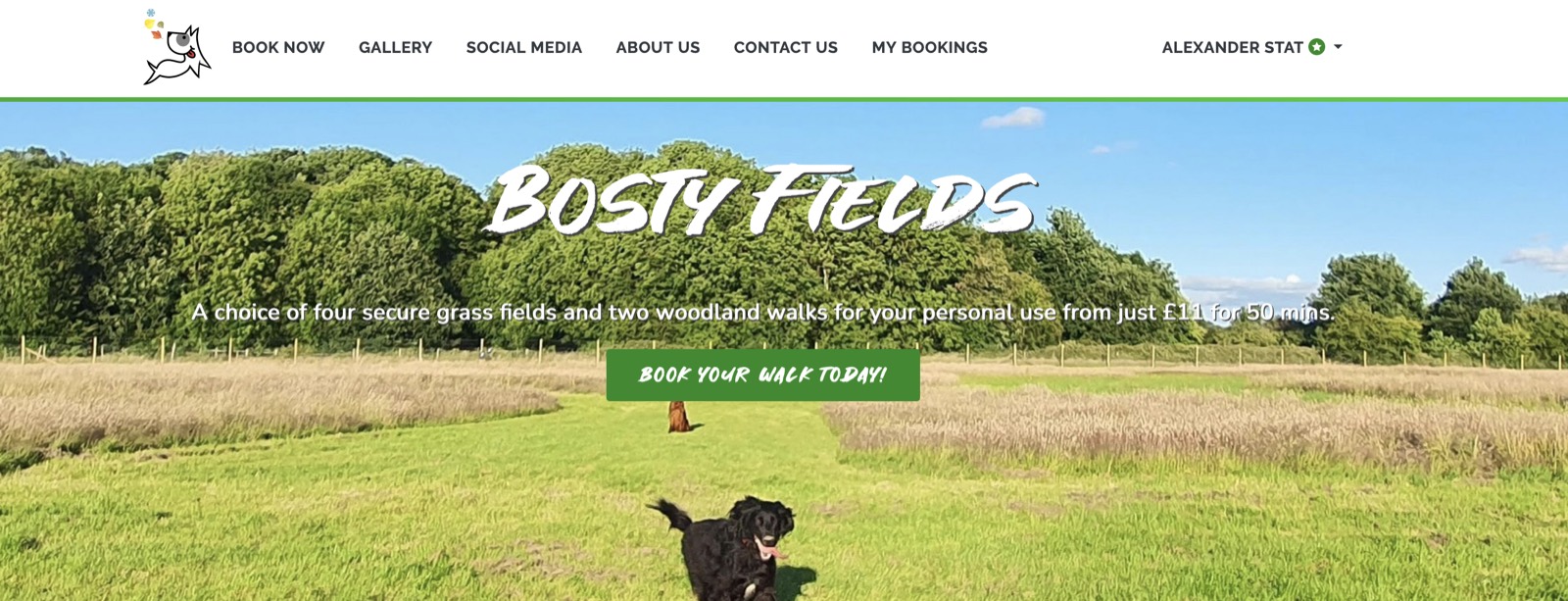 Dog walking fields
Bosty Fields
Bosty Fields rents private dog-walking fields in Aldridge.
-
 AI audit
AI and automation
We use AI and automation to build faster.
-
 Search and video ads
Google Ads
We run Google Ads once a site is live.